Google November 2026 Core Update: What to Do Now
Google’s November 2026 core update is rolling out. Here is what is confirmed, what to check in Search Console, and what not to do while it finishes.
A plain-English technical SEO checklist covering crawling, indexing, Core Web Vitals, mobile and structure, so search engines can actually find and understand your site.
Great content cannot rank if search engines struggle to find, load or understand your pages. Technical SEO removes those obstacles. Use this checklist to find the problems that hold most websites back.
Google measures real-user experience with three Core Web Vitals: LCP (how fast the main content appears), INP (how quickly the page responds to taps and clicks) and CLS (how much the layout jumps). Test your pages in PageSpeed Insights and the Core Web Vitals report in Search Console.
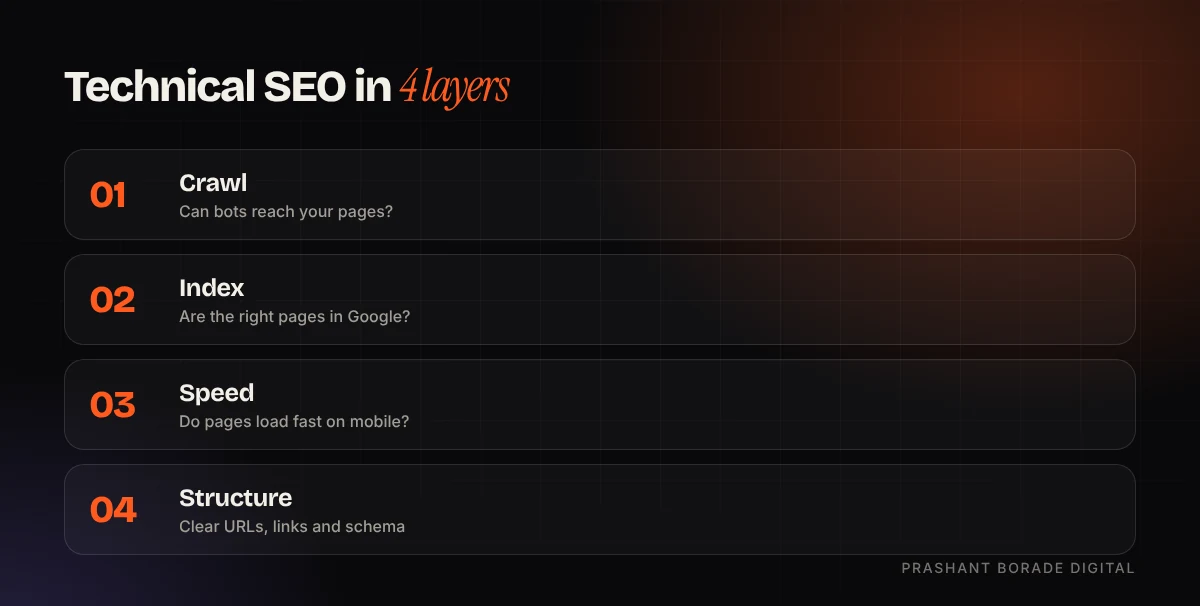
Google primarily uses the mobile version of your site for indexing, so the mobile page must contain the same content and links as desktop. Serve everything over HTTPS and redirect HTTP to HTTPS.
Run a full technical audit every quarter, and always after a redesign, migration or CMS change. Google Search Console, PageSpeed Insights and a crawler such as Screaming Frog cover most needs. If you want an expert review, see our SEO services.
It is the work of making your website easy for search engines to crawl, index and understand, covering speed, mobile, structure and errors.
They are part of Google’s page experience signals, but content relevance matters more. Poor vitals mainly hurt user experience and conversions.
Indexing fixes can show within days to weeks. Speed and structure improvements usually compound over a few months.
Get a free SEO audit and see exactly what is holding your site back.
Explore SEO services