Google Ads for Local Businesses in Pune: A Starter Guide
How Pune businesses can start with Google Ads: choose keywords and locations, write clear ads, track calls and WhatsApp, and avoid common budget mistakes.
You cannot improve ads you cannot measure. This guide shows what to track, how to set up key events in GA4, and how to connect them to Google Ads.
Many campaigns fail not because the ads are bad, but because nobody knows which clicks became customers. Proper conversion tracking turns ad spend into clear data. Here is a simple setup path.
List the actions that matter to your business: contact form submissions, phone calls, WhatsApp clicks, bookings or purchases. Separate main goals from smaller micro-conversions such as a brochure download.
Add a Google Analytics 4 property and install it through Google Tag Manager, which lets you manage tags without editing code each time. Keep one clean setup rather than several overlapping tags.
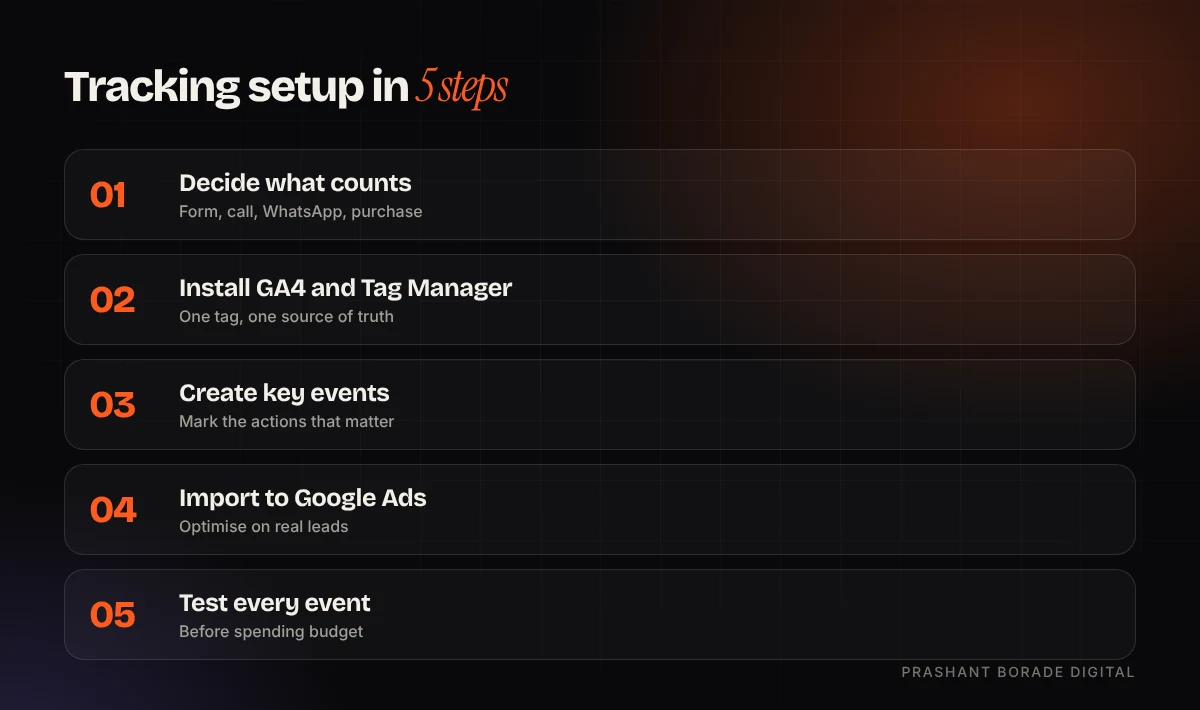
In GA4, conversions are now called key events. Mark the important events, such as a form submission or a click on your WhatsApp button, as key events so they appear in your reports.
Link your Google Ads and GA4 accounts and import or create conversion actions in Google Ads. This lets the bidding system learn which keywords and ads bring real leads, not just clicks.
For local businesses, calls and chats are often the main lead source. Track clicks on phone numbers and WhatsApp links, and use call tracking where possible.
For Meta campaigns, install the Meta Pixel and, ideally, the Conversions API, so leads can be matched even when browsers limit cookies.
Need help? Our performance marketing team sets up tracking as part of every campaign.
It is an event you mark as especially important to your business, such as a purchase or lead form submission. It replaced the term “conversion” inside GA4.
They use different attribution models and processing times, so small differences are normal.
It is not mandatory, but it makes managing multiple tags easier and safer.
Get a free review of your Google Ads and Meta Ads setup and tracking.
Explore performance marketing