Conversion Tracking Setup: GA4 and Google Ads Made Simple
You cannot improve ads you cannot measure. This guide shows what to track, how to set up key events in GA4, and how to connect them to Google Ads.
High cost per lead is usually a symptom of targeting, creative, landing page or tracking problems. Here is a step-by-step approach to lowering it without cutting quality.
A rising cost per lead (CPL) is frustrating, but it is rarely random. Most of the time, the cause sits in one of four places. Work through them in order before you change your budget.
State the offer plainly and give people one action to take. Test two or three versions at a time, changing one thing, such as the headline or image, so you learn what works. Refresh creative when performance fades.
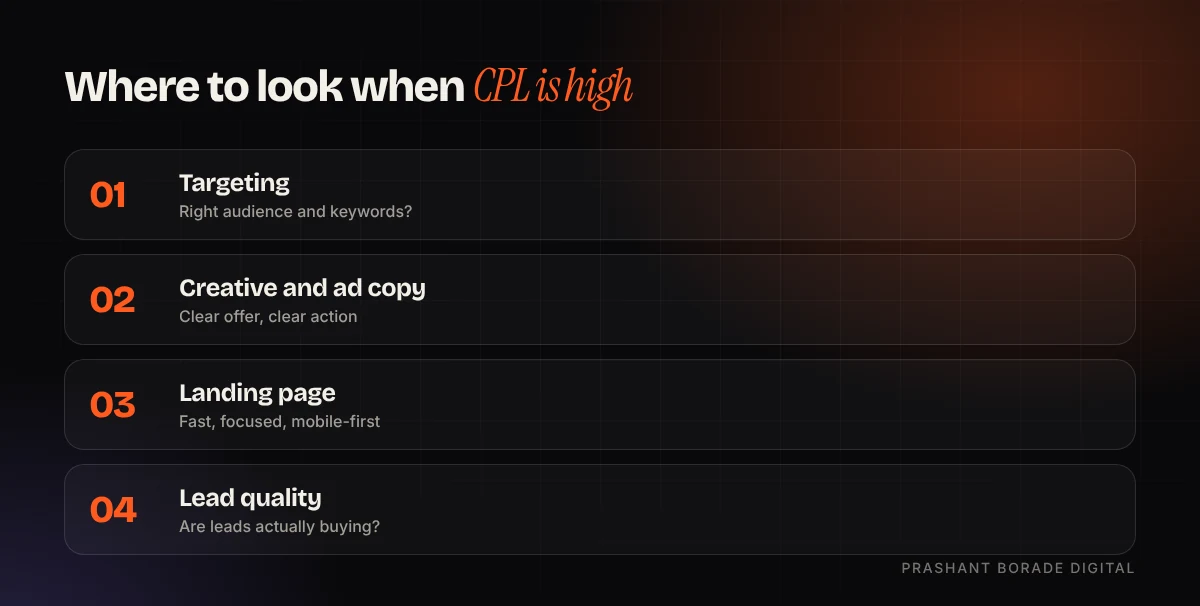
Many campaigns lose leads after the click. Send traffic to a page that matches the ad promise, loads quickly on mobile, and has a short form and a visible call or WhatsApp button. Remove distractions such as long menus.
The cheapest lead is not always the best. Track which leads become customers, and tell the platform. If leads are poor, add a qualifying question to the form or use more specific targeting.
Make sure every lead is tracked correctly, and respond fast. Quick follow-up by call or WhatsApp often improves results more than any ad tweak.
Ad platforms need time to learn. Avoid changing everything at once, and judge results over a sensible period. For a full account review, talk to our performance marketing team, and read Google Ads vs Meta Ads.
It depends on your industry and the value of a customer. Compare CPL to your profit per customer rather than to a generic benchmark.
Not before fixing tracking, targeting and landing pages. More budget on a weak setup simply wastes more money.
Test steadily, but give each change enough time and data before judging it.
Get a free review of your Google Ads and Meta Ads setup and tracking.
Explore performance marketing